
SeniorAffair may earn a commission from links on this page, at no extra cost to you. See our full disclosure below.
Plan Before the Storm
An outage is much easier to handle when you made decisions in advance. Use this checklist to prepare, and review it before storm or wildfire season.
1. List What You Cannot Be Without
- Powered medical equipment (CPAP, oxygen concentrator, nebulizer, powered bed or lift)
- Refrigerated medicines such as insulin
- Refrigerator and freezer
- Phone chargers and a way to call for help
- Heating or cooling you need for safety
- Lights, especially for hallways and bathrooms
Write down each device’s wattage from its label. That number is what you will need to size any backup power.

2. Talk to Your Doctor and Equipment Supplier
If you rely on powered medical equipment, ask your doctor and your equipment supplier what to do when the power fails. Ask whether a backup battery or portable oxygen is recommended for you and how long each lasts. A home battery system is a convenience, not a substitute for medical advice, and this article does not make medical claims about any product.
3. Tell Your Utility
Many electric utilities keep a list of customers who depend on medical equipment, and some offer outage notifications or priority programs. Call yours, or check its website, and ask. Keep the number for outage reporting where you can find it without power.
4. Refrigerated Medicine and Food
Federal food safety guidance says a refrigerator keeps food safe for about 4 hours if the door stays closed, and a full freezer for about 48 hours (24 if half full). Ask your pharmacist how long your particular medicines can be stored at room temperature or in a cooler with ice, since this varies. Keep a thermometer in the refrigerator.
5. Choose Your Backup Power
| Option | Best for | Watch out for |
|---|---|---|
| Whole-home battery (Anker SOLIX E10) | Homeowners who want silent backup (automatic with the Power Dock) | Kits from about $4,000, plus connection hardware and required installation |
| Portable power station (such as Anker SOLIX F3800 Plus) | Essentials; renters; lower budget | Heavy to move; cords on the floor |
| Gas generator | Long outages on a budget | Carbon monoxide, fuel, noise, manual startup |
See our Anker SOLIX E10 review, F3800 Plus vs. E10, and battery vs. generator to decide.

6. Prepare the Household
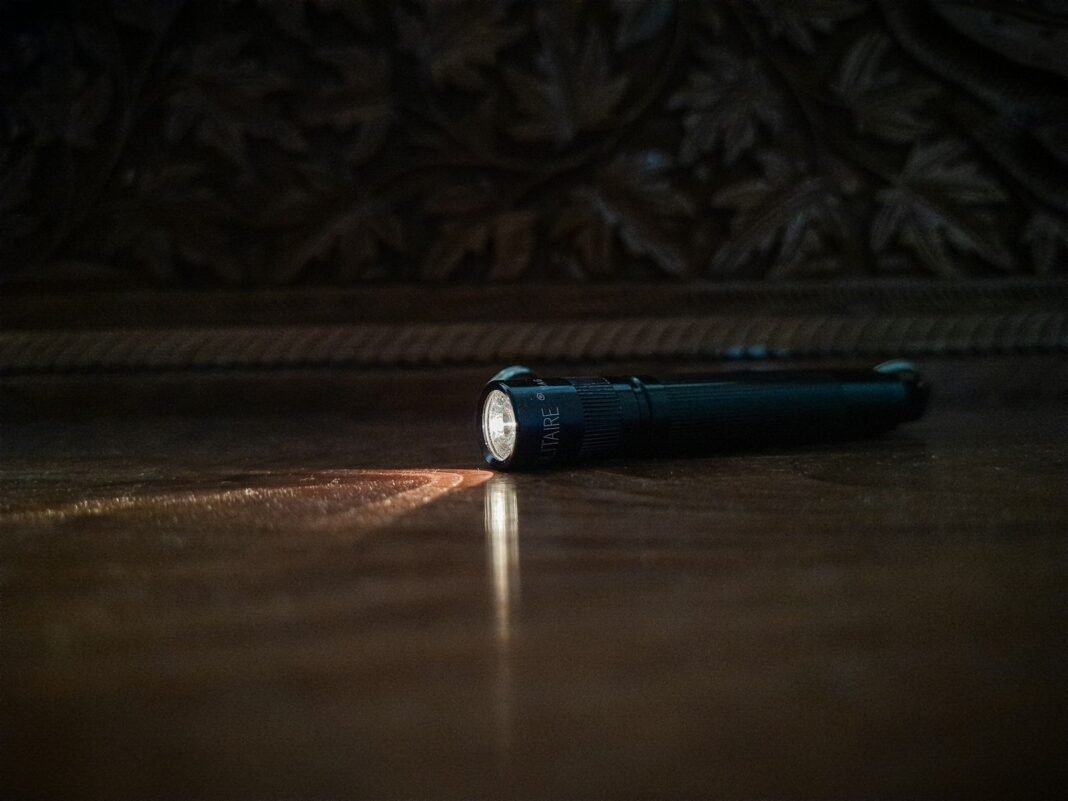
- Flashlights and extra batteries in a known place
- A charged power bank for phones
- A battery-powered or crank radio
- A week of any medicines you take, plus a list of doses
- Emergency contacts on paper
- A plan for who checks on you, and whom you check on
7. Test Your Plan
Once a year, walk through your plan: check flashlights and power banks, confirm medicine and contact lists are current, and make sure everyone knows what to do. If you have a home battery or transfer switch, ask your installer to show you how to run a safe test. Do not flip the main breaker yourself. Find out where the problems are before you need it.
Want automatic backup power so you are not scrambling? See the Anker SOLIX E10.
See current Anker SOLIX E10 pricingFrequently Asked Questions
What should seniors do before a power outage?
List essential devices and their wattage, talk to a doctor and equipment supplier about medical devices, tell your utility, prepare backup power, stock flashlights and medicines, and set up a check-in plan with family or neighbors.
How long does food stay safe in a refrigerator without power?
Federal food safety guidance says about 4 hours if the door stays closed. A full freezer holds for about 48 hours; a half-full freezer about 24 hours.
Can a home battery run a CPAP machine?
A CPAP uses standard 120 V power and typically draws 30 to 60 watts, or more with a heated humidifier, so a home battery can generally run one. Confirm your device’s requirements and talk to your doctor.
Is a portable power station enough for a senior?
It can be, if you only need to run essentials. A whole-home system adds automatic switchover and covers more of the house, at a higher cost.
Keep Reading
- Anker SOLIX E10 Review 2026: Whole-Home Backup Power for Seniors
- How Long Does the Anker SOLIX E10 Last in a Power Outage?
- Anker SOLIX E10 Cost: Price, Installation and Financing Explained
- Anker SOLIX E10 vs EcoFlow DELTA Pro Ultra X: Which Home Backup Is Better?
- Whole-Home Battery Backup vs. Gas Generator: What Works Best for Seniors
- Anker SOLIX F3800 Plus vs. E10: Portable Power Station or Whole-Home Backup?
Get guides like this in your inbox
Medicare changes, money tips, health guides and deals for adults 55+. Free, from Senior Affair Magazine.
Free. Unsubscribe anytime. Privacy policy.