
Disclosure: Senior Affair may earn a commission when you buy through links on this page, at no extra cost to you. Prices are as of November 2026 and can change.
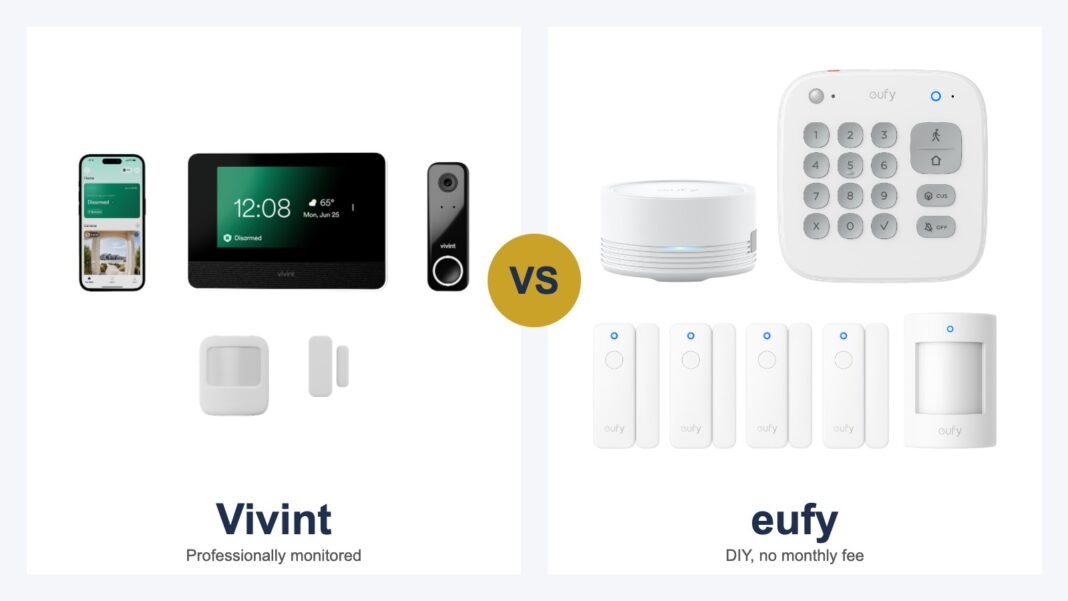
Quick answer: If you want someone watching your home 24/7 and a technician to install everything, choose Vivint (equipment from $199.99 and monitoring from $24.99 a month on a 3-year agreement). If you want to pay once and skip contracts, choose eufy for DIY security with no required monthly fee.
Feeling safe at home is one of the biggest parts of aging in place. Many older adults live alone, travel to see family, or simply want to know who is at the door before they open it. The good news is that home security costs far less than it did a decade ago, and you no longer need a long contract to get solid protection.
This guide compares the two paths most readers ask us about: a professionally monitored system from Vivint, and a do-it-yourself system from eufy. We cover cost, setup, and the features that matter most after 55.
Monitored vs. DIY: What Is the Difference?
Professionally monitored security means a monitoring center gets an alert when an alarm goes off. A trained agent checks on you and can send police, fire, or medical help. You pay a monthly fee for this service.
DIY (self-monitored) security means alerts go to your phone, and you decide what to do. You buy the equipment once, set it up yourself, and usually pay nothing each month. Some DIY brands, including eufy, now offer optional monitoring you can add later.
Neither is better for everyone. The right choice depends on your budget, your comfort with a smartphone, and whether someone else is nearby to respond.
Side-by-Side Comparison
| Feature | Vivint | eufy |
|---|---|---|
| Best for | Seniors who want full-service protection | Budget-minded seniors who want no contract |
| Equipment cost | From $199.99 with a 3-year agreement | One-time purchase, priced by device |
| Monthly cost | From $24.99; about $45 to $57 with cameras | $0 required; optional pro monitoring $29.99 |
| Contract | 36 months for best pricing | None |
| Installation | Professional install included with agreement | Self-install, wireless, peel-and-stick sensors |
| Video storage | Cloud, included with video plans | Local storage on the HomeBase, no cloud fee |
| Who responds | 24/7 monitoring center | You or family, unless you add monitoring |
Vivint: Best for Full-Service, Professionally Monitored Security
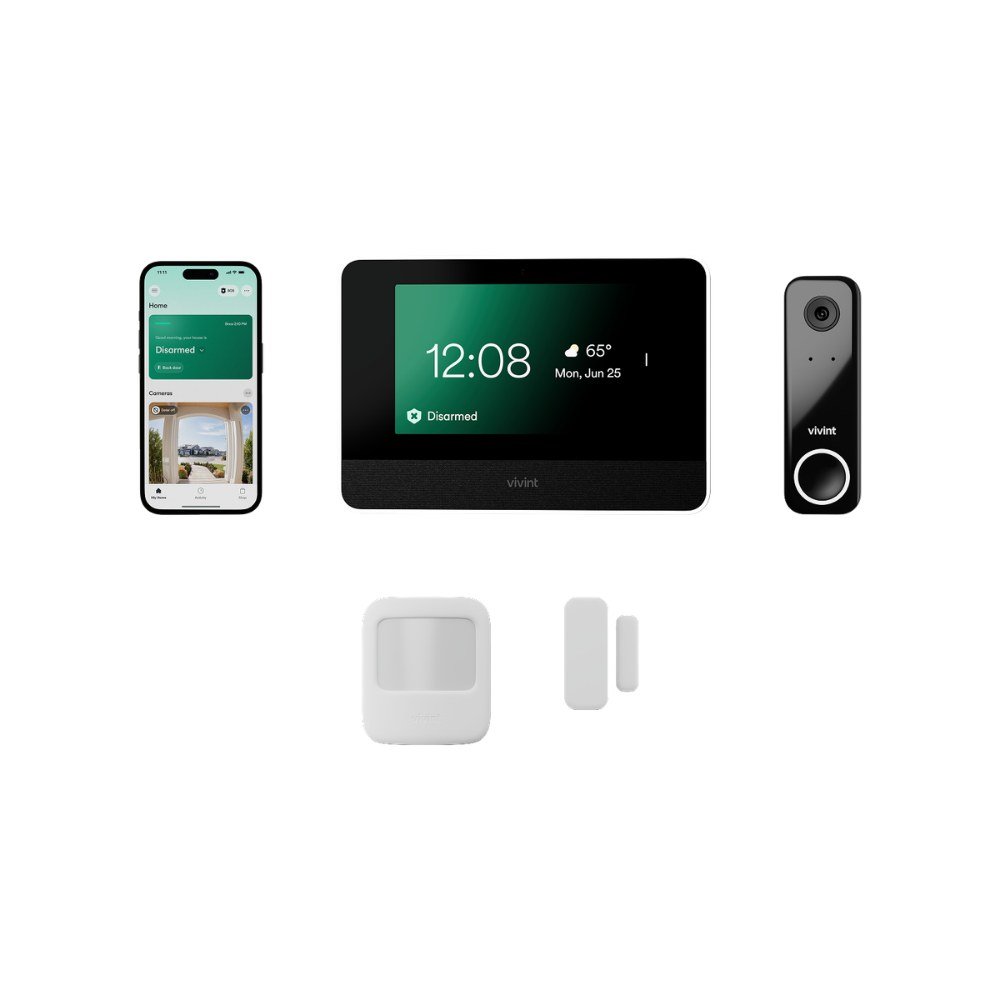
Vivint is a premium, full-service company. A technician comes to your home, installs the system, and shows you how to use it. That alone is a big plus for anyone who does not want to climb a ladder or pair devices with an app.
What you pay: Vivint’s starter package is $199.99 with a 36-month agreement, and monitoring starts at $24.99 a month. Without a contract, independent reviewers report monitoring at about $29.99 a month and an installation fee of $199.99. Once you add cameras and smart home devices, expect roughly $45 to $57 a month.
Why seniors like it:
- A live agent responds to alarms around the clock, even if you cannot reach your phone.
- Cellular backup keeps the system working if your internet goes down.
- Smoke, carbon monoxide, and water sensors can be monitored too, not just break-ins.
- One company handles equipment, installation, and support.
Keep in mind: The 3-year agreement is a real commitment. Ask how the contract works if you move into senior living or a family member’s home.
eufy: Best for DIY Security With No Monthly Fees
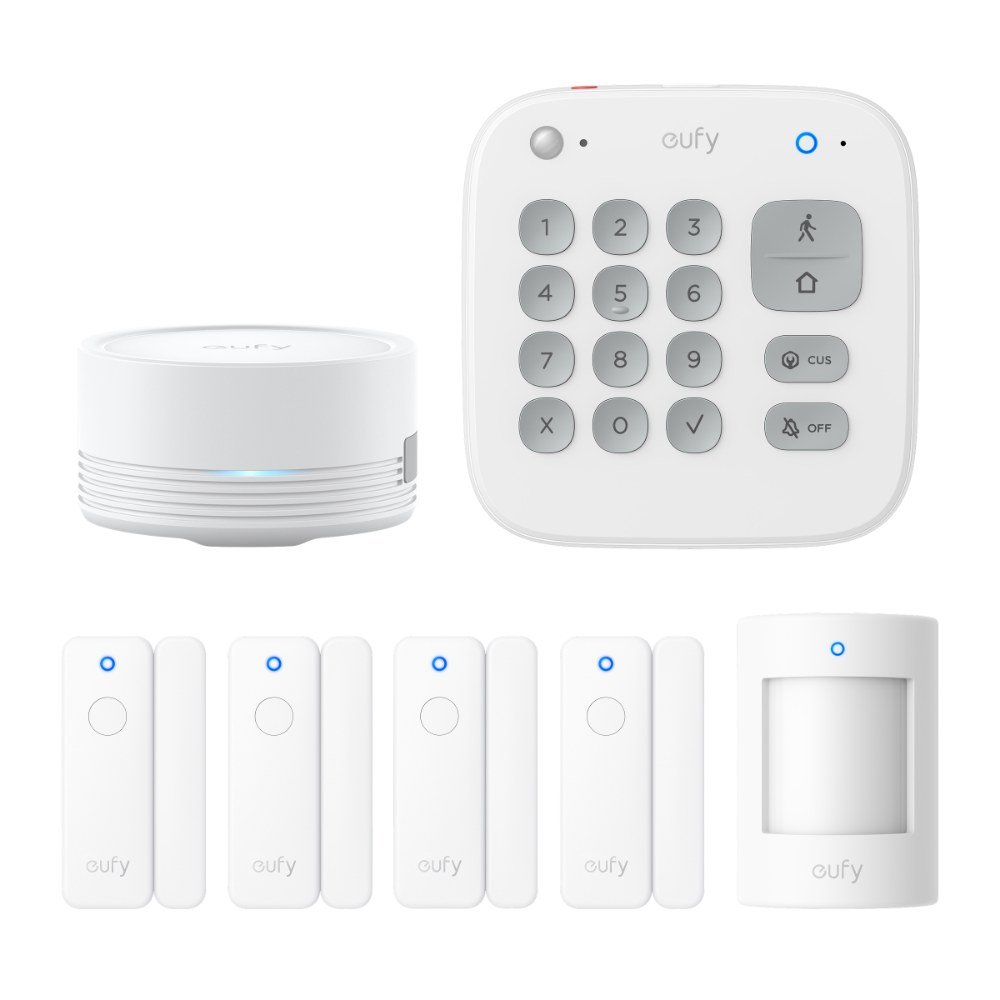
eufy, made by Anker, sells cameras, doorbells, locks, and alarm sensors that you buy once and own. Video is stored locally on a small hub called a HomeBase, so there is no cloud subscription to keep paying. Most devices are wireless and battery powered, which makes them renter friendly.
What you pay: You pay for each device up front. A basic alarm kit with a hub and a few sensors costs far less than a year of most monitoring plans. If you later want a monitoring center, eufy’s ExpertSecure plan is listed at $29.99 a month with no contract and the option to cancel anytime.
Why seniors like it:
- No required monthly bill, which helps on a fixed income.
- Alerts go straight to your phone and can be shared with an adult child or caregiver.
- You can start small with a doorbell and add pieces over time.
- Local video storage keeps footage private and in your home.
Keep in mind: Without the optional monitoring plan, nobody calls for help but you or your family. You also need a smartphone and Wi-Fi to set it up.
See the eufy 7-in-1 Alarm Kit on Amazon
The eufy Devices That Matter Most After 55
If you go the DIY route, these are the pieces we would start with. Each one solves a specific problem many older adults face.
1. Video Doorbell: See Who Is There Before You Get Up
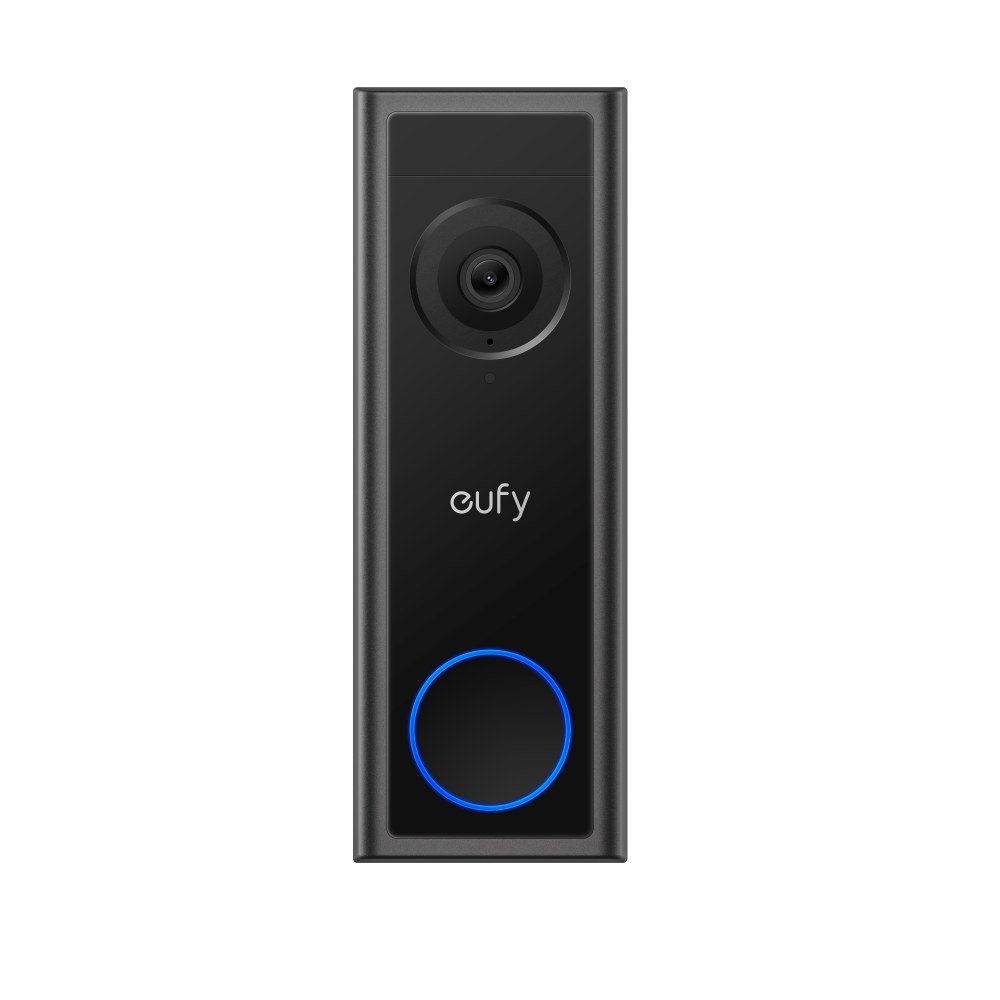
Scammers and fake delivery drivers often target older homeowners. A video doorbell lets you see and talk to visitors from your phone or a tabletop screen, so you never have to open the door to a stranger. The eufy Video Doorbell C30 is a simple place to start, and the eufy Smart Display E10 shows your cameras on an 8-inch screen if you would rather not use a phone.
2. Lever Smart Lock: Easier on Arthritic Hands
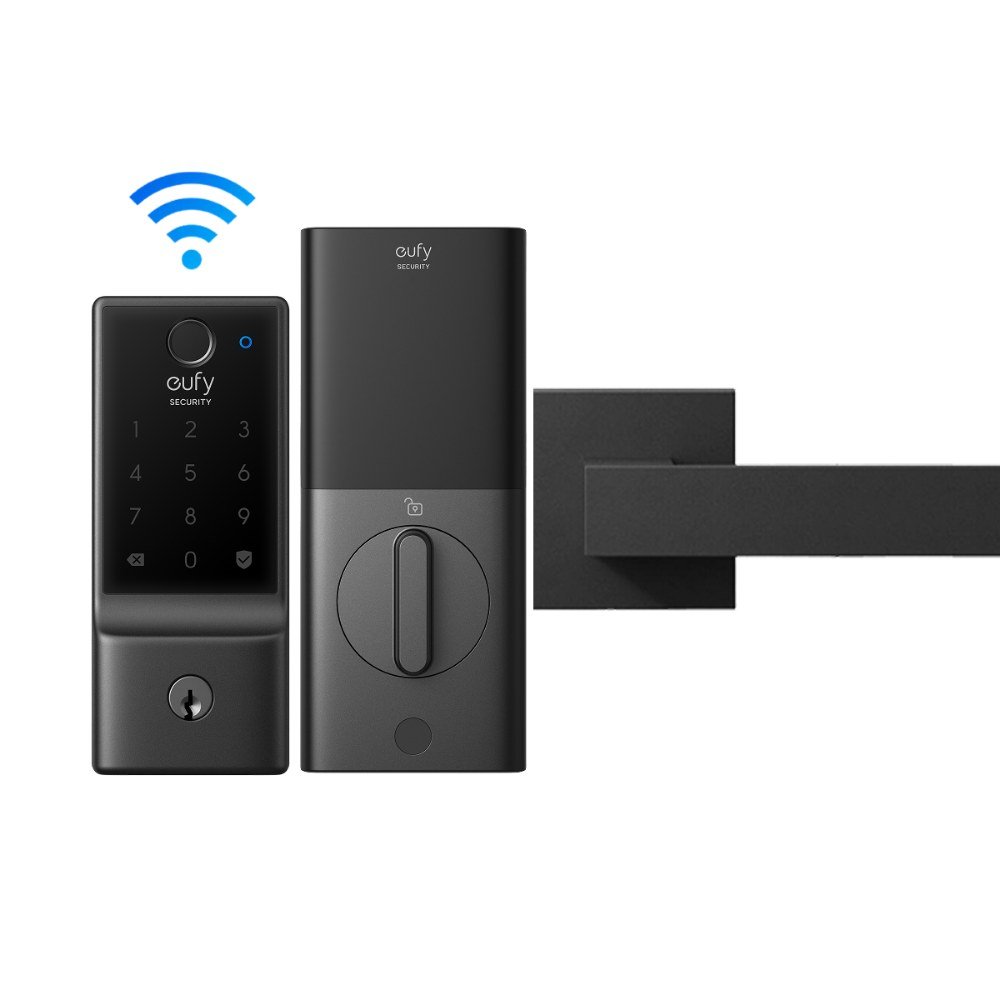
Turning small keys and round knobs gets harder with arthritis. A keyless lever lock opens with a code or the app, and family members or home care aides can get their own codes that you can turn off anytime. Look at the eufy Smart Lock C220 with Door Lever.
3. Panic Button: One Press for Help at Home
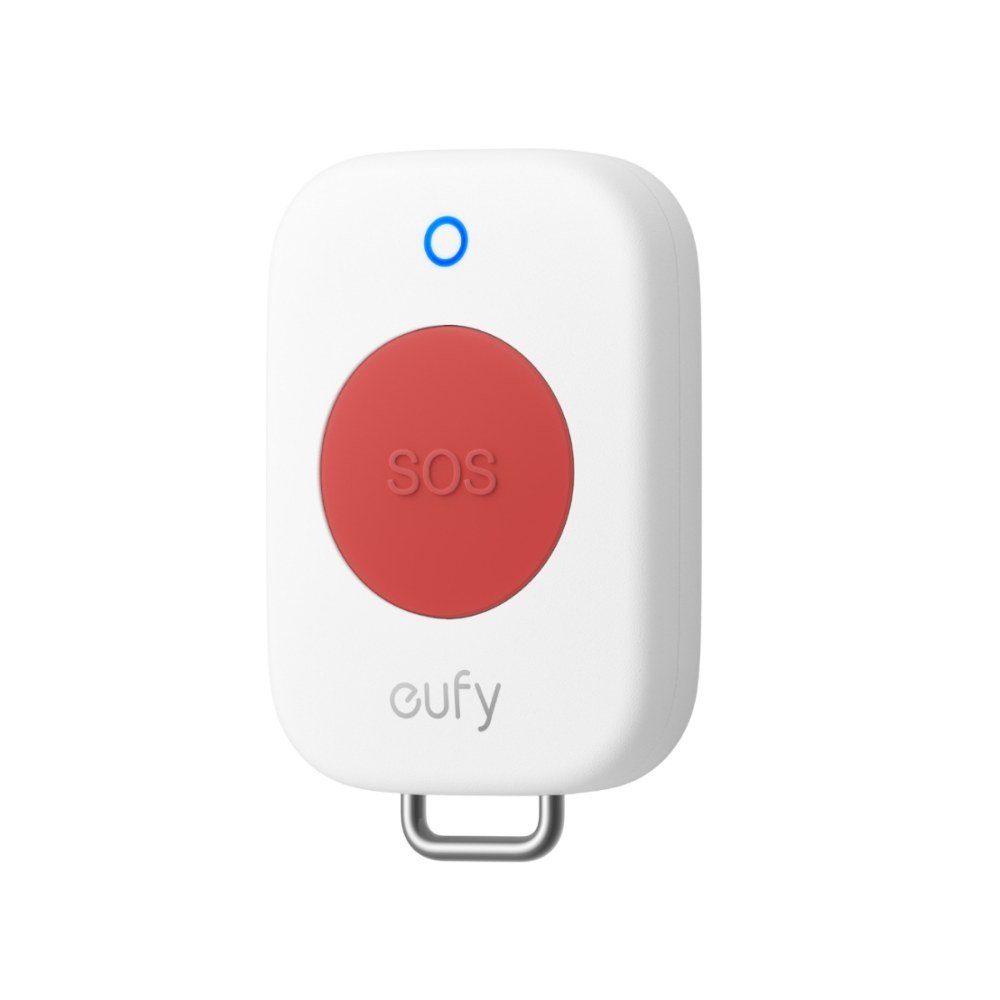
The eufy Panic Button E10 is small enough for a keychain or lanyard, or it can stick to the wall by your bed. A long press sends an alert through your eufy HomeBase. It needs a compatible HomeBase to work.
Important: A panic button is not a medical alert system. It does not detect falls, and without eufy’s paid monitoring plan, alerts go to phones rather than a response center. If you have a fall risk or a health condition, a dedicated medical alert device is the safer choice.
4. Smoke Alarm and Flood Sensor: Protection Beyond Burglars
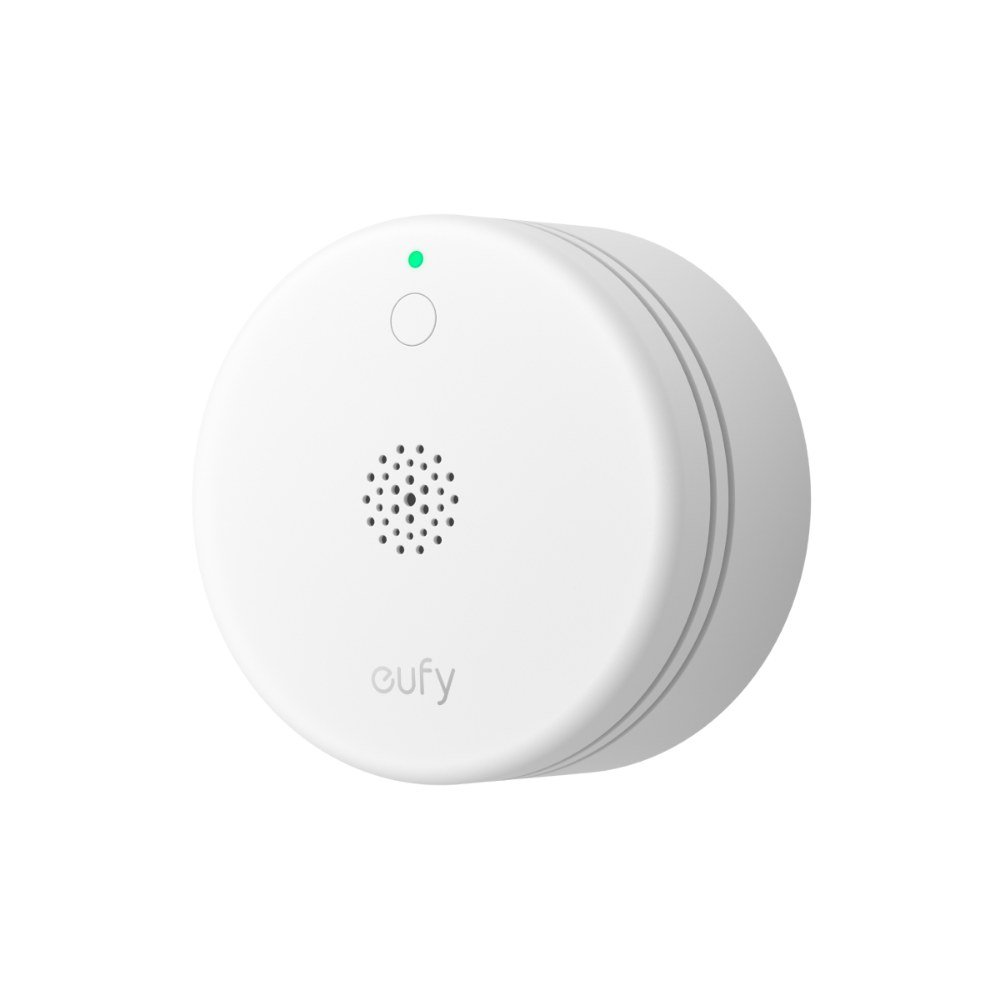
Fires and burst pipes cause more damage to most homes than break-ins. The eufy Smoke Alarm E10 and eufy Flood & Freeze Sensor E20 send alerts to your phone, which matters most when you are away visiting family or spending winter somewhere warm.
5. Indoor Camera: Peace of Mind for Caregivers
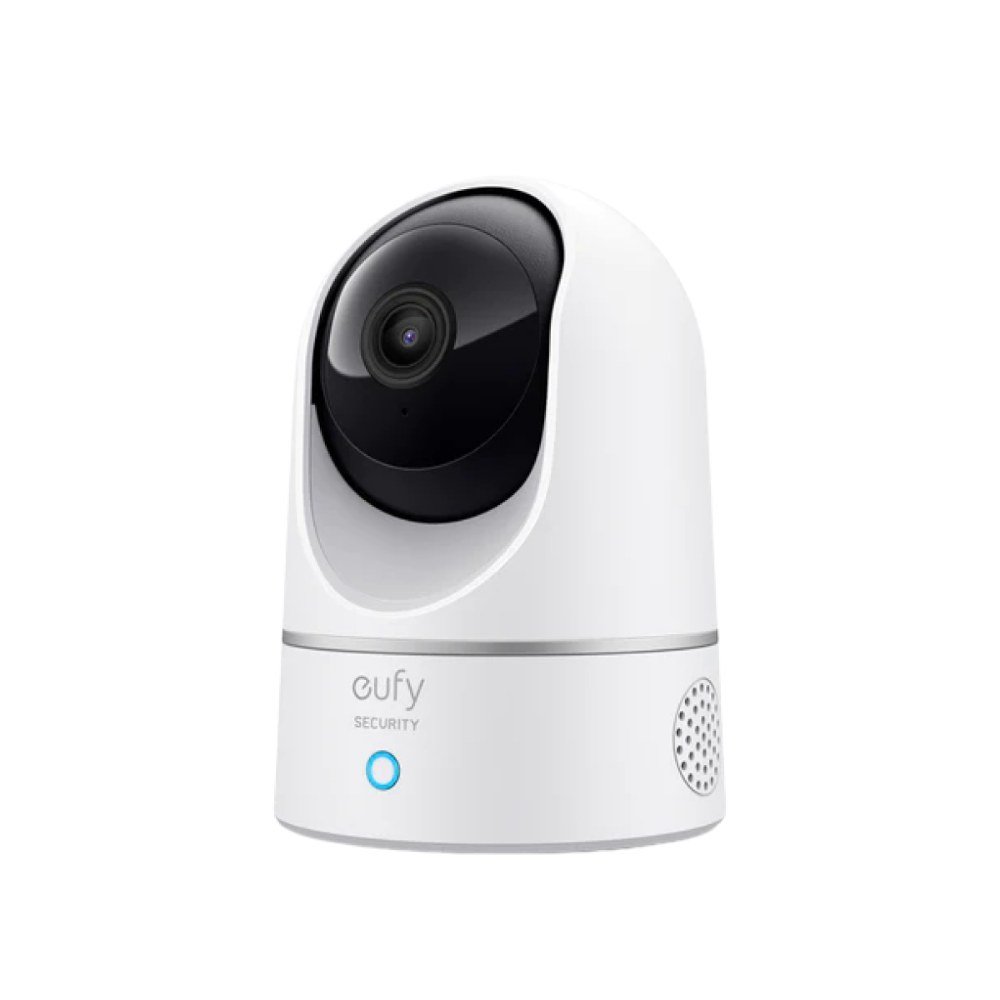
An indoor camera with two-way talk lets an adult child check in, with permission, and talk to a parent from anywhere. The eufy Indoor Cam E220 is a budget-friendly option. Always agree on where cameras go and when they record so everyone keeps their privacy.
6. Outdoor Lighting: Fewer Trips in the Dark
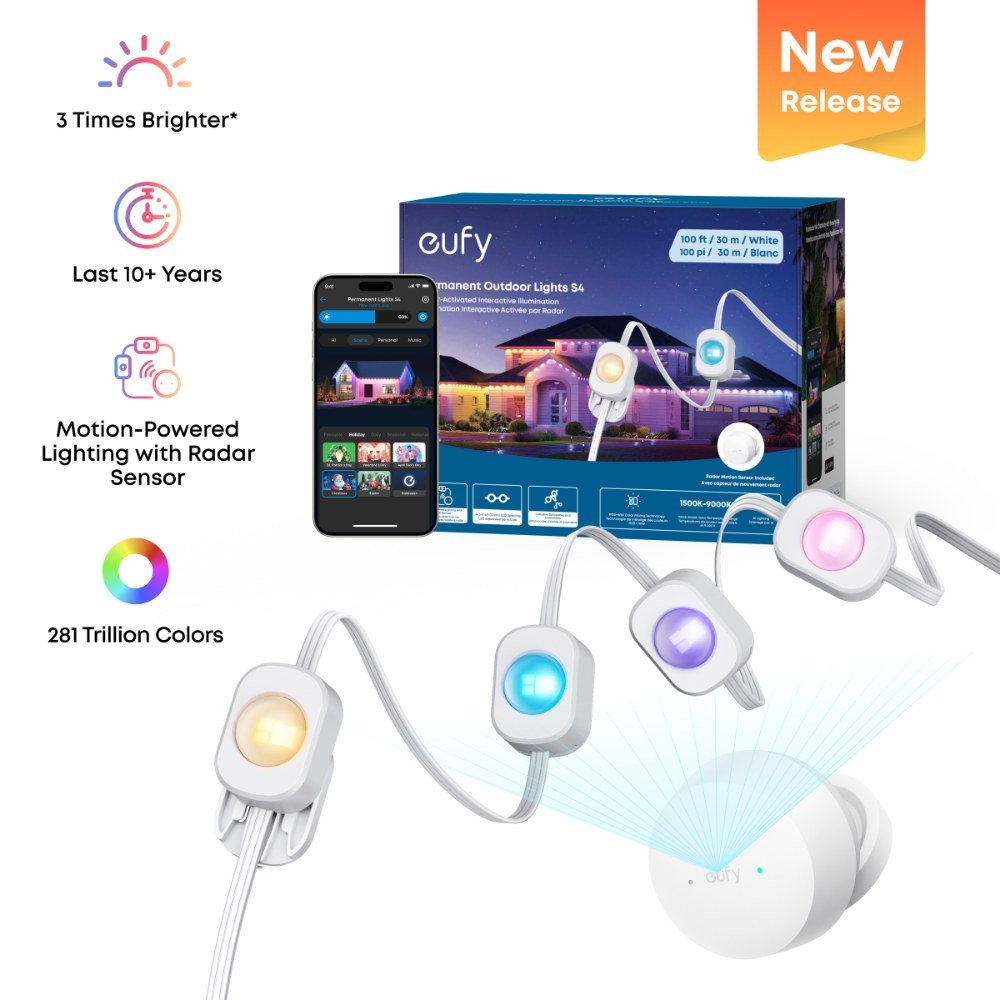
Good lighting deters intruders and helps prevent falls on steps and walkways. eufy Permanent Outdoor Lights S4 mount under the roofline and run on a schedule, so nobody has to climb a ladder each holiday season.
Start Small With the eufy 5-Piece Alarm Kit
Which Should You Choose?
Choose Vivint if:
- You live alone and want someone to respond even if you cannot.
- You prefer a technician to install and explain everything.
- You plan to stay in your home for at least three years.
Choose eufy if:
- You want to avoid contracts and monthly bills.
- You are comfortable with a smartphone, or a family member can help with setup.
- You rent, or you may move in the next few years.
A good middle path: start with eufy, then add eufy’s optional monitoring later if you decide you want a response center.
Money-Saving Tips for Seniors
- Call your home insurer. Many insurers discount premiums for monitored alarms and smoke detectors. Ask before you buy.
- Ask about senior and AARP pricing. Offers change often, so it never hurts to ask a sales rep directly.
- Buy what you need first. A doorbell and two entry sensors cover the most common break-in points: the front and back doors.
- Read the contract. Know the cancellation fee and what happens if you move.
Frequently Asked Questions
What is the cheapest home security for seniors?
A self-monitored DIY system is usually the cheapest over time because there is no monthly fee. You pay once for the equipment. eufy is a popular choice because video is stored locally instead of in a paid cloud plan.
Is professional monitoring worth it for seniors who live alone?
For many people, yes. A monitoring center can send help when you cannot reach your phone. Vivint monitoring starts at $24.99 a month on a 3-year agreement, and eufy offers optional monitoring at $29.99 a month with no contract.
Can a home security system replace a medical alert device?
No. Security panic buttons do not detect falls and may not connect you to medical responders. If you are at risk of falling, use a dedicated medical alert system alongside your home security.
Do I need Wi-Fi for home security?
Most DIY systems, including eufy, need Wi-Fi for setup and phone alerts. Vivint systems include cellular backup, so monitoring continues if your internet goes out.
Can my adult children see alerts too?
Yes. Both Vivint and eufy let you share app access, so a son, daughter, or caregiver can get notifications and view cameras.
The Bottom Line
If you want hands-off, around-the-clock protection, Vivint is worth the monthly fee. If you want to pay once and stay flexible, eufy gives you strong DIY protection without a contract. Either way, a doorbell camera, solid locks, and working smoke alarms will make your home safer this year.
Get guides like this in your inbox
Medicare changes, money tips, health guides and deals for adults 55+. Free, from Senior Affair Magazine.
Free. Unsubscribe anytime. Privacy policy.